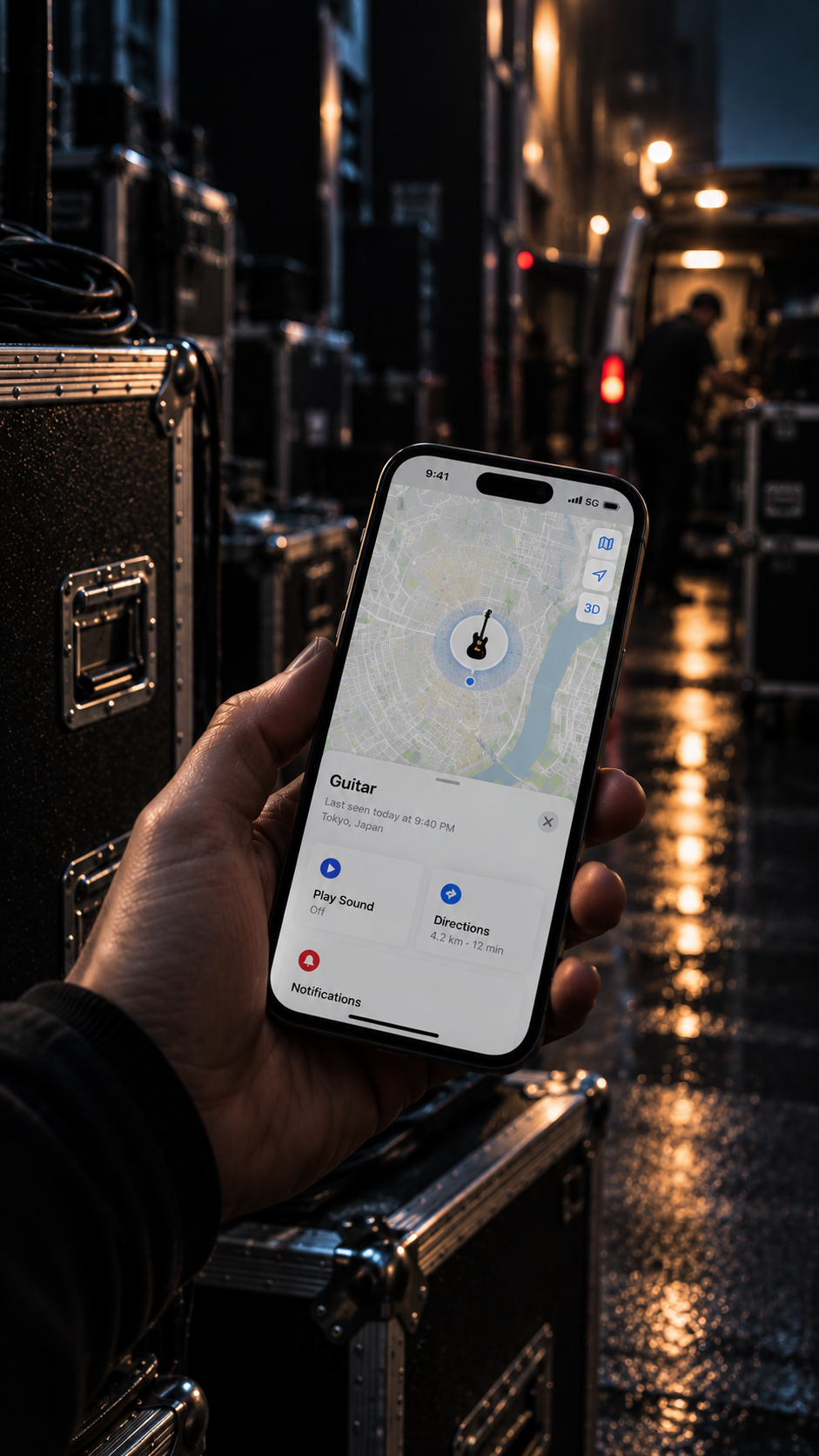
If it moves, you know

Give your instrument
a way home

Hidden inside your instrument There when you need it
Apple Find My · Android compatible
No subscriptionReplaceable batteryYour tone Untouched
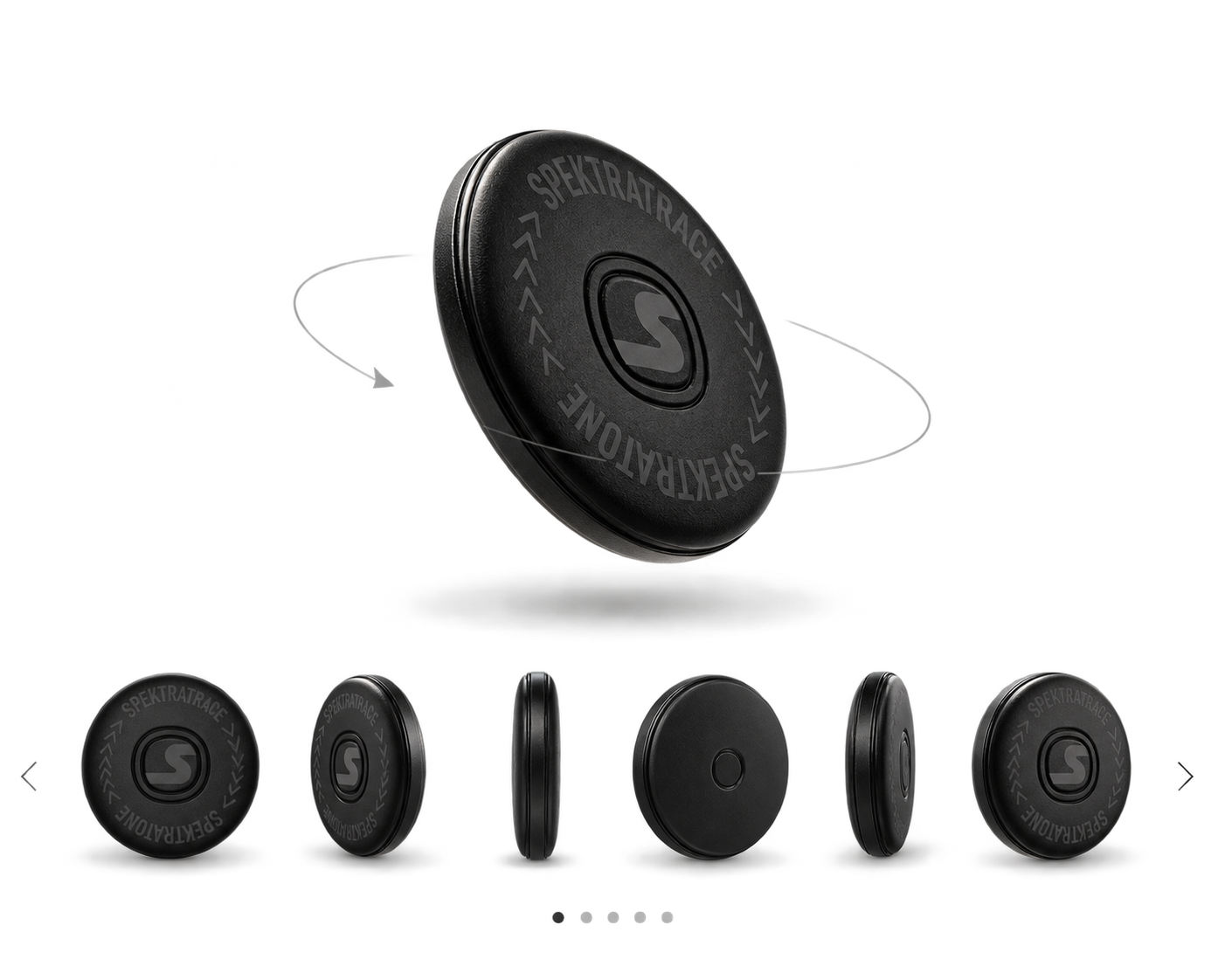
SpektraTrace locator
How it works

From missing to found

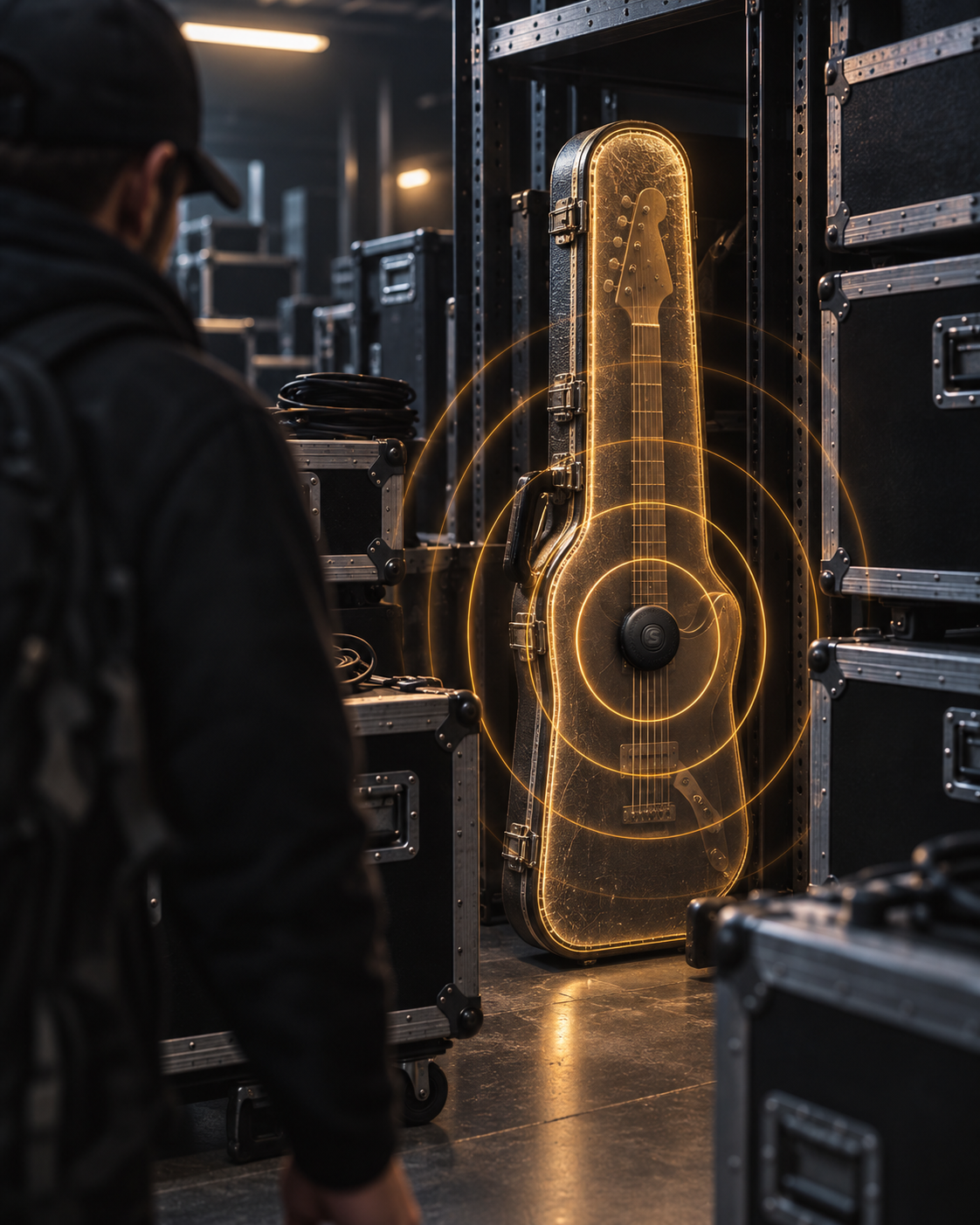
SpektraTrace is a discreet locator installed inside your instrument If the instrument is lost, misplaced or stolen, you can use the tracking network on your phone to help locate it — without changing the way your instrument looks, feels or sounds

01

It was here
Now it’s gone

SpektraTrace stays with it

Backstage Rehearsal room Studio Airport Van Instruments move through places where one distracted moment can be enough for them to disappear

Because SpektraTrace stays installed inside the instrument, the locator goes wherever the instrument goes

02

You can
still find it

Use your phone to locate your instrument wherever it is in the world

On iPhone, SpektraTrace works with Apple Find My Compatible Android devices can use Google’s Find Hub network Open the appropriate tracking service and check the available location for your instrument

03

Track it down
Pinpoint it

Once the location brings you close, switch from the map to nearby finding to narrow the search

As you approach, proximity guidance can help lead you toward the instrument When appropriate, trigger SpektraTrace’s built-in sound to identify the exact case, room or piece of gear it is inside

04

It knows
the way home

Finding the instrument is the first step The available location can help you explain where it may be and support the recovery process

Keep your instrument’s serial number, ownership record and purchase documentation available Together with the location information, they can help establish that the instrument belongs to you

RECOVERY FIRST CONFRONTATION NEVER

If you believe your instrument has been stolen, do not confront, negotiate with, follow, or attempt to recover it from a suspected thief yourself Contact local authorities and provide the location information available to you

Designed to stay out of the way

Protection without compromise

No subscriptionOne purchase No recurring SpektraTrace subscription or monthly tracking fee
Your tone UntouchedSpektraTrace has no effect on the sound of your instrument — electric or acoustic
Replaceable batteryUses a standard CR2032 battery with up to 12 months standby Replace it when needed instead of replacing the device
Setup & use

Set up your SpektraTrace

Follow the steps below in order The button sequences are important, so use quick presses exactly as shown

BLUETOOTH · LOCATION · INTERNET
01

Before you begin

Turn on Bluetooth, Location Services and an internet connection on your phone Make sure the appropriate finding service is enabled

SpektraTrace is a recovery aid It does not prevent theft
S
2 QUICK PRESSES
02

Power on

●×2

Press the center S button twice quickly

A tone confirms SpektraTrace has powered on and entered pairing mode

APPLE
OR
ANDROID
03

Choose your network

Apple: use the Find My app

Android: use Google Find Hub

Keep SpektraTrace in pairing mode while you complete the next step

FIND MY
→
ITEMS
→
ADD ITEM
04A

Pair with Apple Find My

  1. Open Find My
  2. Tap Items
  3. Tap Add Item
  4. Choose Other Supported Item
  5. Select SpektraTrace when it appears
  6. Follow the on-screen instructions to finish pairing
GOOGLE
→
DEVICES
→
PAIR
04B

Pair with Google Find Hub

  1. Put SpektraTrace in pairing mode with 2 quick presses
  2. A nearby-device pop-up may appear automatically If it does, follow the prompts
  3. If no pop-up appears, open Settings → Google → All Services → Devices
  4. Scan for nearby devices
  5. Select SpektraTrace and complete the on-screen setup
SONDELLI
SG0125
05

Name the instrument

Give the locator a name that clearly identifies the instrument

Example: Sondelli SG0125

Using the model and serial number makes it much easier to identify the correct instrument later

●
06

Locate it

  1. Open Find My or Find Hub
  2. Select your SpektraTrace / instrument
  3. Check the available location
  4. When nearby, use Find Nearby where available
  5. Use Play Sound when appropriate to pinpoint the exact location
!
CONTACT AUTHORITIES
07

If the instrument is stolen

Use the available location together with your instrument serial number and proof of ownership to support recovery

Do not confront a suspected thief
Do not negotiate, follow someone, enter private property, or attempt recovery yourself Contact local authorities when appropriate
REMOVE
DEVICE
08

Remove from your account

Before resetting, first remove SpektraTrace from your finding account

Apple: remove the item from Find My

Android: open the device settings in Find Hub and remove it from your account

1 2 3 4 5
HOLD 5 SECONDS
09

Reset SpektraTrace

● ● ● ● ●HOLD #5

Press the button five times quickly On the fifth press, keep holding the button for about 5 seconds

A confirmation tone indicates the reset is complete Use the same reset procedure if pairing or connection fails and you need to start again

1 2 3
HOLD #3
10

Power off

● ● ●HOLD #3

Press the button three times On the third press, continue holding

A tone confirms SpektraTrace has powered off

CR2032
↻
11

Battery

SpektraTrace uses a replaceable CR2032 button-cell battery with up to 12 months standby

  1. Replace the battery when the finding app reports low battery or performance becomes unreliable
  2. Open the battery compartment carefully
  3. Remove the old CR2032
  4. Install the new CR2032 with the polarity facing the same direction as the original battery
  5. Close the compartment securely, then power SpektraTrace on again with 2 quick presses

After replacing the battery, confirm that SpektraTrace still appears correctly in your finding app

RENAMESHAREREMOVE
12

Rename, share or remove

Use the item/device settings in your finding app to rename the locator, manage any supported sharing options, or remove SpektraTrace from your account

Quick button reference
2× Power on / pairing 5× + hold #5 Reset 3× + hold #3 Power off
Protect what you play

Give your instrument a way home

SpektraTrace stays out of the way — until you need it

Get SpektraTrace →

Secure purchase through the Sondelli online store